
Luanti
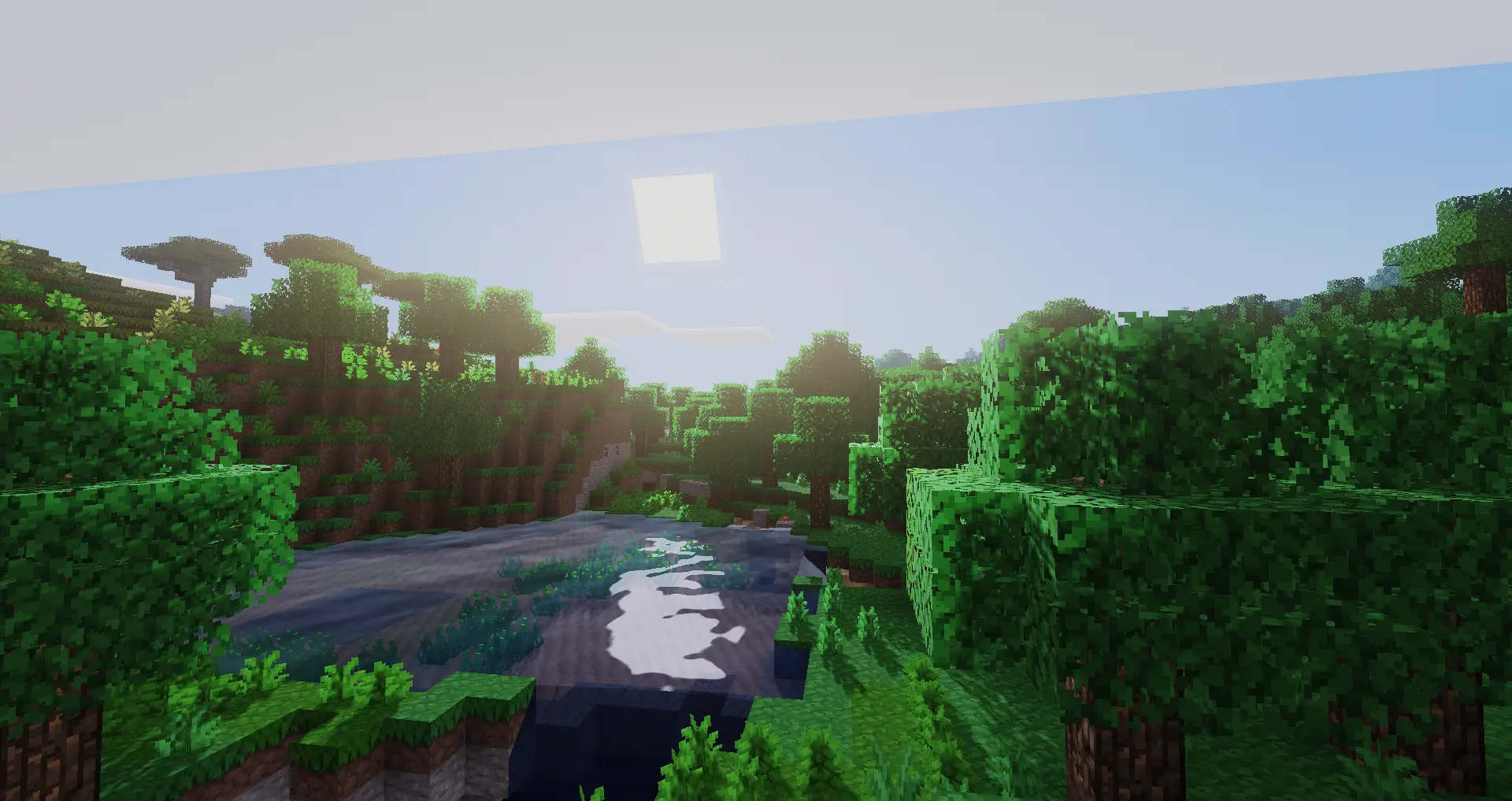
Luanti is an interactive educational and gaming platform that integrates blockchain technology for a decentralized learning and entertainment experience. It provides a variety of tools for content creators, educators, and developers to build interactive applications that support token-based rewards, asset ownership, and decentralized governance.
📥 Installation
Section titled “📥 Installation”Luanti can be installed via Batocera Unofficial Add-Ons (BUA). To install:
- Open Batocera Unofficial Add-Ons from the Ports menu.
- Browse the available add-ons and locate Luanti.
- Select Install and wait for the installation to complete.
- Once installed, Luanti will be available in your game list.
🎮 How to Use Luanti
Section titled “🎮 How to Use Luanti”- After installation, navigate to the Ports section.
- Locate Luanti in the game list and launch it.
- Sign up or log into your Luanti account to access the platform.
- Explore various interactive experiences, including educational courses, games, and blockchain-integrated applications.
⚙️ Configuration
Section titled “⚙️ Configuration”- Controls: Supports mouse, keyboard, and gamepad navigation.
- Graphics Settings: Adjustable resolution and UI scaling.
- Blockchain Integration: Set up a digital wallet for token rewards and asset management.
- Content Creation: Developers can create custom applications and learning modules.
🛠️ Troubleshooting
Section titled “🛠️ Troubleshooting”| Issue | Solution |
|---|---|
| Platform not launching | Re-run the installer. If issues persist, check the troubleshooting guide. |
| Unable to access blockchain features | Ensure your digital wallet is connected and configured. |
| Performance issues | Lower graphics settings or close other applications. |
| Login issues | Verify credentials or reset the password via the Luanti website. |