
Arr Downloaders
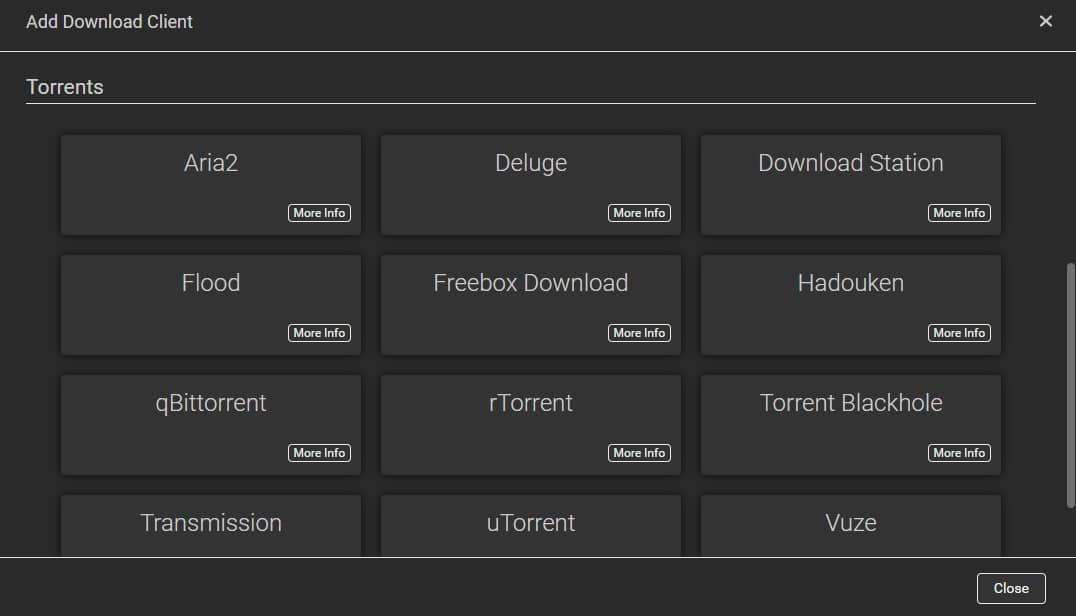
Arr-In-One Downloaders is a modular suite of torrent and Usenet downloaders tailored for use with Sonarr, Radarr, Lidarr, Readarr, and Prowlarr. This collection includes both powerful CLI tools and polished web interfaces, offering users flexibility and automation in managing their downloads.
📥 Installation
Section titled “📥 Installation”These downloaders are available via the Docker Menu in Batocera Unofficial Add-Ons (BUA):
- Launch Batocera Unofficial Add-Ons from the Ports menu.
- Open the Docker Menu.
- Select Arr-In-One Downloaders and choose from the list.
- Each selected tool will install separately, using its default or dynamically assigned port.
🧩 Available Downloaders
Section titled “🧩 Available Downloaders”🧲 Torrent Clients
Section titled “🧲 Torrent Clients”- qBittorrent (8080) – Full-featured modern torrent client with clean web UI.
- Deluge (8112) – Lightweight torrent client with plugin support.
- Transmission (9091) – Minimalist and efficient torrent downloader.
- Aria2 (6800) – Advanced multi-protocol downloader with JSON-RPC and CLI support.
- Hadouken (7070) – Web UI styled like µTorrent with real-time stats.
- rTorrent (5000) – Terminal-based torrent client; backend for Flood or standalone use.
- Flood (3000) – Beautiful web interface for managing rTorrent sessions.
📡 Usenet Clients
Section titled “📡 Usenet Clients”- NZBGet (6789) – Lightweight, fast Usenet downloader with advanced options.
- SABnzbd (8081) – User-friendly Usenet client with smart queue and post-processing.
- Usenet Blackhole – Folder-based manual downloader for fallback setups (non-Docker).
☁️ Cloud & Proxy Tools
Section titled “☁️ Cloud & Proxy Tools”- RdtClient (6500) – Real-Debrid downloader for offloading downloads to the cloud.
- FlareSolverr (8191) – Proxy layer to bypass Cloudflare and CAPTCHA protections (used with Prowlarr).
🛠️ Troubleshooting
Section titled “🛠️ Troubleshooting”| Issue | Solution |
|---|---|
| Web UI not loading | Confirm the correct port and ensure the container is running. |
| Can’t connect from Arr apps | Double-check host IP and port in the Arr downloader settings. |
| Downloads not starting | Check for directory permissions, or missing dependencies (like rTorrent for Flood). |
| No Real-Debrid support | Ensure your API key is correct in RdtClient settings. |