
Freedroid RPG
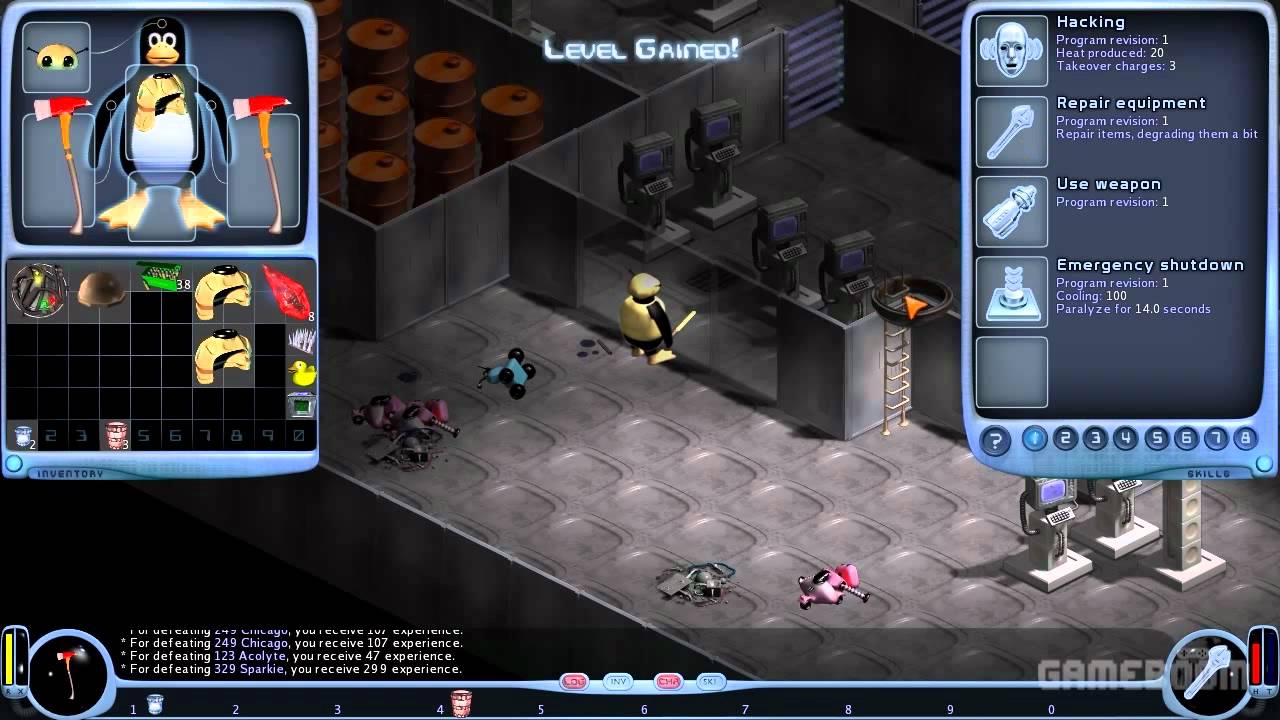
Freedroid RPG is an open-source isometric role-playing game where players take on the role of Tux, the Linux penguin, in a post-apocalyptic world overrun by rogue robots. The game features hack-and-slash combat, an engaging storyline, and hacking mechanics that allow players to take control of enemy droids.
📥 Installation
Section titled “📥 Installation”Freedroid RPG can be installed via Batocera Unofficial Add-Ons (BUA). To install:
- Open Batocera Unofficial Add-Ons from the Ports menu.
- Browse the available add-ons and locate Freedroid RPG.
- Select Install and wait for the installation to complete.
- Once installed, Freedroid RPG will be available in your game list.
🎮 How to Play
Section titled “🎮 How to Play”- After installation, navigate to the Ports section.
- Locate Freedroid RPG in the game list and launch it.
- Create a new character and begin your adventure.
- Explore the world, battle rogue robots, and use hacking mechanics to control droids.
⚙️ Configuration
Section titled “⚙️ Configuration”- Controls: Supports keyboard and gamepad setups.
- Graphics Settings: Adjust resolution, effects, and UI scaling.
- Game Settings: Customize difficulty, key bindings, and sound preferences.
- Save System: The game features a manual save system accessible from the menu.
🛠️ Troubleshooting
Section titled “🛠️ Troubleshooting”| Issue | Solution |
|---|---|
| Game not launching | Re-run the installer. If issues still exist, check out the troubleshooting guide. |
| Performance issues | Lower graphics settings or disable extra visual effects. |
| Controls not responding | Verify input settings and reconfigure if needed. |