
Endless Sky
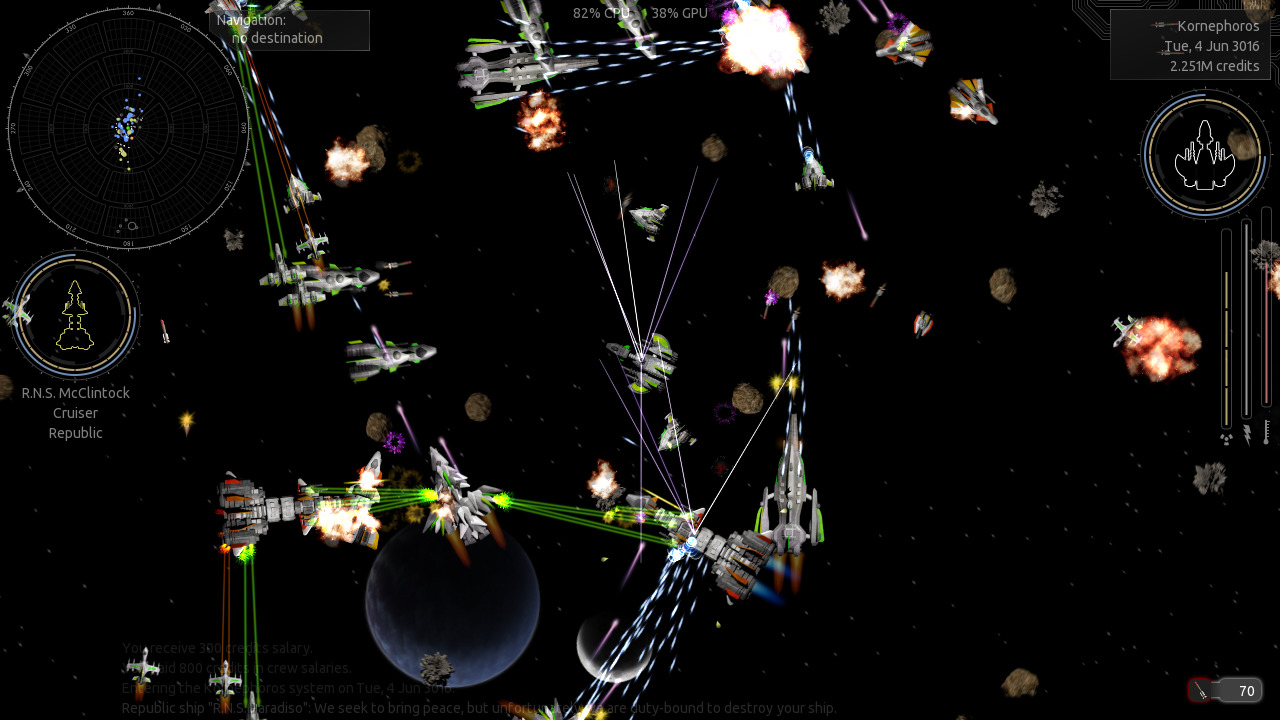
Endless Sky is an open-world space exploration, trading, and combat game inspired by Escape Velocity. Players can explore a vast galaxy, complete missions, trade goods, and engage in space combat while upgrading their fleet.
📥 Installation
Section titled “📥 Installation”Endless Sky can be installed via Batocera Unofficial Add-Ons (BUA). To install:
- Open Batocera Unofficial Add-Ons from the Ports menu.
- Browse the available add-ons and locate Endless Sky.
- Select Install and wait for the installation to complete.
- Once installed, Endless Sky will be available in your game list.
🎮 How to Play
Section titled “🎮 How to Play”- After installation, navigate to the Ports section.
- Locate Endless Sky in the game list and launch it.
- Start a new game and customize your ship.
- Explore the galaxy, trade resources, and engage in space battles.
⚙️ Configuration
Section titled “⚙️ Configuration”- Controls: Supports keyboard/mouse and gamepad configurations.
- Graphics Settings: Adjust resolution, effects, and UI scaling.
- Game Settings: Modify difficulty, auto-save options, and ship control schemes.
- Mod Support: Install custom plugins and expansions for additional content.
🛠️ Troubleshooting
Section titled “🛠️ Troubleshooting”| Issue | Solution |
|---|---|
| Game not launching | Re-run the installer. If issues still exist, check out the troubleshooting guide. |
| Performance issues | Lower graphics settings or disable extra visual effects. |
| Controls not responding | Verify input settings and reconfigure if needed. |
| Unable to load saved game | Ensure save files are intact and stored in the correct directory. |