
Ubuntu MATE
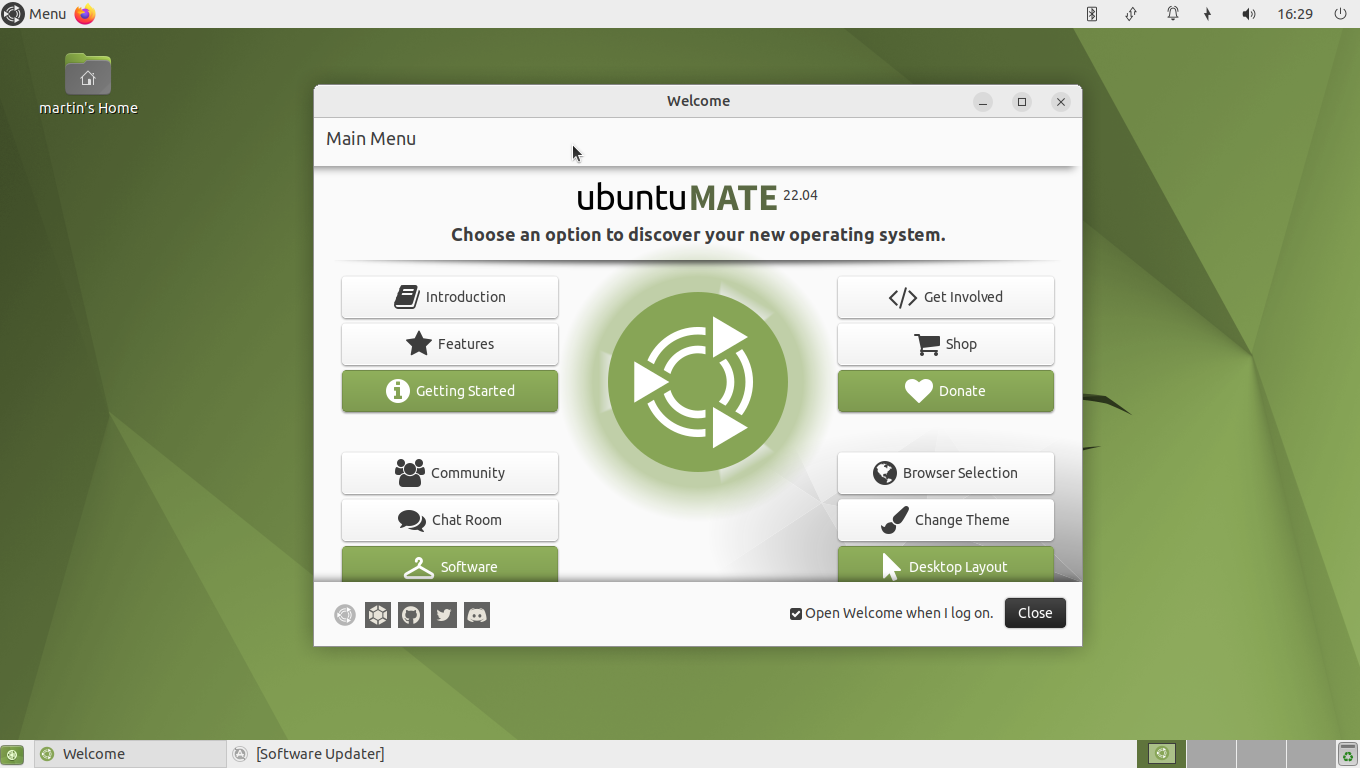
Ubuntu MATE (Webtop) provides a full Ubuntu MATE desktop environment that can be accessed directly from your browser. It’s perfect for users who want a stable and familiar Linux desktop experience within Batocera using containerized noVNC access.
📥 Installation
Section titled “📥 Installation”Ubuntu MATE (Webtop) is available via the Docker Menu in Batocera Unofficial Add-Ons (BUA):
- Launch Batocera Unofficial Add-Ons from the Ports menu.
- Open the Docker Menu.
- Select Ubuntu MATE (Webtop) and press Install.
- The container will run automatically after installation.
🌐 Access
Section titled “🌐 Access”- The desktop is available in your browser using a dynamically assigned port, starting from
3000. - The specific port will be displayed in the installation log or terminal output.
- Open your browser and go to:
http://batocera.local:<assigned-port>
(replace<assigned-port>with the actual port number shown after installation)
🖥️ Features
Section titled “🖥️ Features”- Full Ubuntu MATE desktop interface via your browser.
- Preinstalled with essential tools and web browser.
- Persistent desktop environment with easy access to system utilities.
- Ideal for remote access or lightweight Linux multitasking within Batocera.
🛠️ Troubleshooting
Section titled “🛠️ Troubleshooting”| Issue | Solution |
|---|---|
| Can’t access desktop | Double-check the assigned port in the terminal output. |
| Laggy performance | Try using a wired connection or adjusting container memory settings. |
| Display issues | Refresh browser or clear cache. You can also restart the container. |
| Not sure how to reconnect | Re-run the installation to view the port again, or check container status in Portainer. |