
Assault Cube
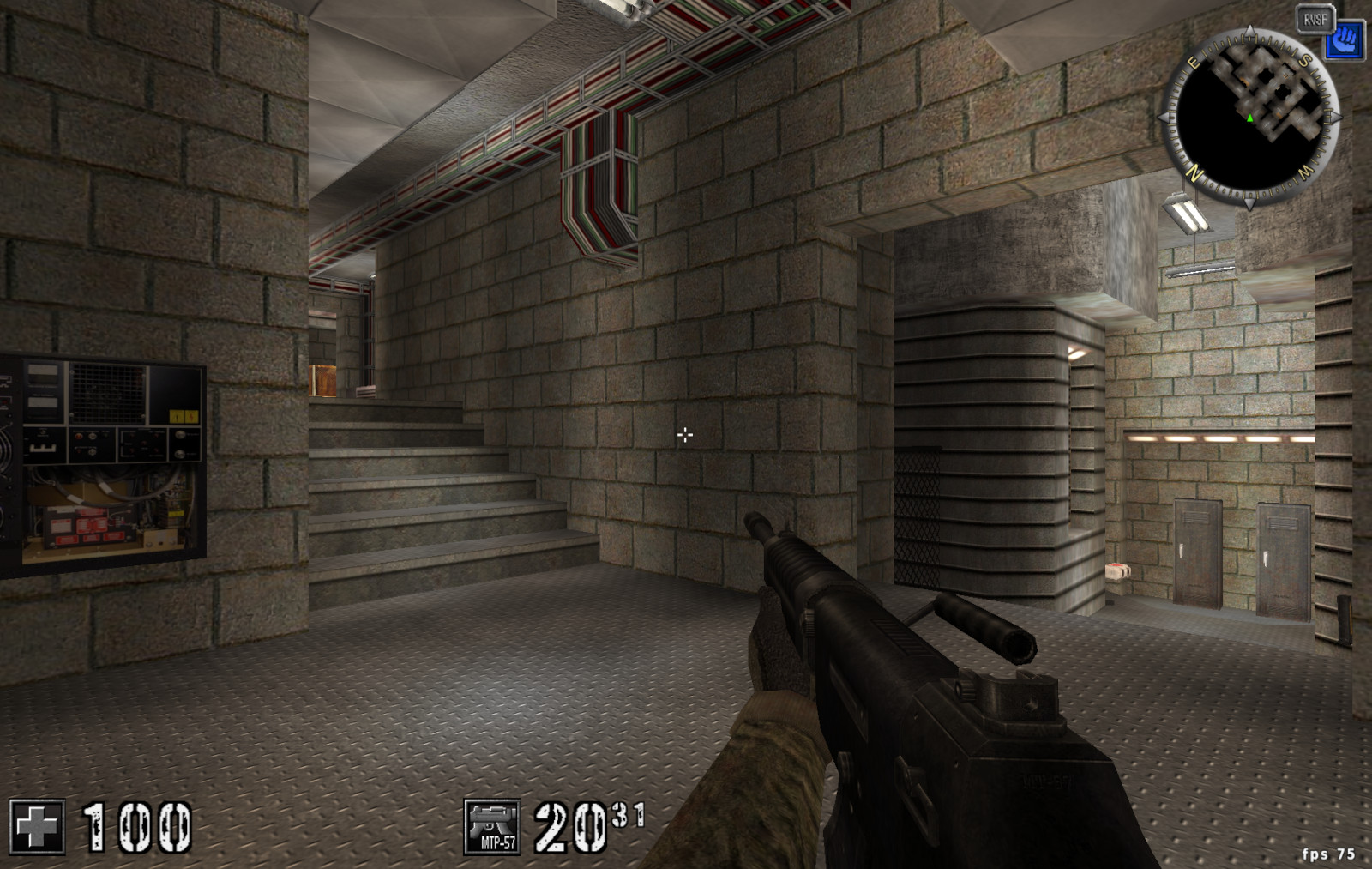
Assault Cube is a fast-paced, multiplayer first-person shooter (FPS) built on the Cube Engine. It features lightweight graphics, low system requirements, and competitive online and LAN multiplayer. The game includes various modes, such as Deathmatch, Capture the Flag, and Teamplay.
📥 Installation
Section titled “📥 Installation”Assault Cube can be installed via Batocera Unofficial Add-Ons (BUA). To install:
- Open Batocera Unofficial Add-Ons from the Ports menu.
- Browse the available add-ons and locate AssaultCube.
- Select Install and wait for the installation to complete.
- Once installed, Assault Cube will be available in your game list.
🎮 How to Play
Section titled “🎮 How to Play”- After installation, navigate to the Ports section.
- Locate Assault Cube in the game list and launch it.
- Choose between single-player (against bots) or multiplayer (online or LAN).
- Use standard FPS controls to move, aim, and shoot.
⚙️ Configuration
Section titled “⚙️ Configuration”- Controls: Supports keyboard/mouse and gamepad configurations.
- Graphics Settings: Adjust resolution, texture quality, and effects for performance tuning.
- Multiplayer: Join public servers or create private matches with friends.
- Customization: Modify crosshairs, HUD elements, and key bindings in the settings menu.
🛠️ Troubleshooting
Section titled “🛠️ Troubleshooting”| Issue | Solution |
|---|---|
| Game not launching | Re-run the installer. If issues still exist, check out the troubleshooting guide. |
| Lag or frame drops | Lower graphics settings or disable shadows. |
| Connection issues in multiplayer | Check firewall settings and server availability. |
| Controls not responding | Ensure correct input settings in the configuration menu. |